Cart Total
$0.00
-
Your shopping cart is empty
Loading

Hello! Log in Your Account
New customer? Start here

|
3 min read
Contents
Quick Summary
AI transcriptions and AI summaries for calls are now available with your phone system. Discover how these features can help enhance your workplace efficiency.
We're excited to announce that new AI Call Transcription, AI Call Summary and AI Actions features are now available on our Premium plan. Find out how our AI features are different from those offered by everyone else, what these features do, and how you can start using them today.
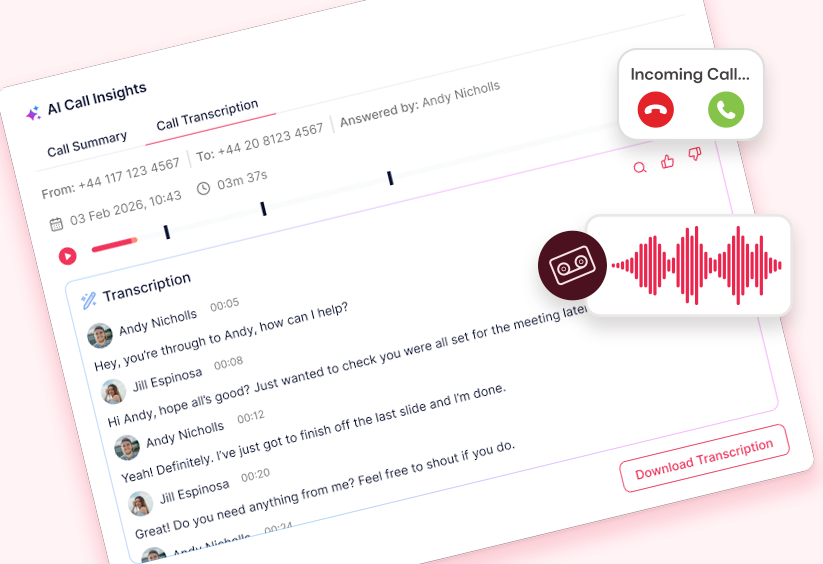
When enabled, our smart AI transcriber automatically turns audio from your calls into text, while our AI summariser creates a bulleted list of important details and actions from the call for you to review.
All call transcription text is searchable by keyword, time-stamped, and each exchange during a conversation is labelled. For moments when you need to zero in on specific details, such as dispute resolution, searchable transcripts mean you can easily refer back to and search for key phrases, names or numbers in seconds.
In conjunction with call transcription, call summaries extract the most important details from your calls in a bulleted form, which can be set to be automatically emailed direct to you or your team’s email addresses.
If you’re someone who’s constantly in meetings or always on move from job to job, these call transcription and summary features are sure to save you time and effort during the working day.
AI post-call action features extract the most important actions from a call as concise bulleted actions. So time-saving post-call actions such as drafting a follow-up email or creating a meeting in your calendar can now be automatically generated for your review.
These AI features all run on our own 'Yay-I' AI infrastructure, so call audio is never processed on third party infrastructure, by a third party provider, and customer data is never used to train third party models.
Controlling our own infrastructure and processing also enables us to sidestep per-minute metering, often used by other providers, in favour of including these features with our Premium plan.
For customers already on our Premium plan, AI Call Transcription and AI Call Summaries can be accessed via Yay.com's online Dashboard. Enable call transcription via the Call Histories section in the Dashboard.
Custom permissions mean that AI Call Transcription can be turned on for all users or just select users and call routes. Likewise, email destinations for AI Call Summaries can be enabled on a per user or call route basis. Check out our AI Call Transcription & Summaries guide for further details on getting started.
For customers on Core or Standard plans, simply move up to a Premium plan for access to these AI features. Upgrade by navigating to the ‘My Voice Plans’ page within the Account section of your online Dashboard.
Still deciding on your phone system? Why not try us free for 14 days and see why we’re the provider of choice for thousands of businesses around the world.
In addition to these workflow enhancements, we have lots of exciting features and AI capabilities set to follow in the next few months. Be sure to check back for new additions and for any queries, don't hesitate to get in touch, we're always happy to help.

Whether you're interested in improving call KPIs or looking to get a better understanding of your caller interactions, real-time call monitoring can help.
Posted September 13 2019 | 3 min

Find out about the best practises for Call Recording and what new data laws mean for your business.
Posted April 24 2018 | 3 min
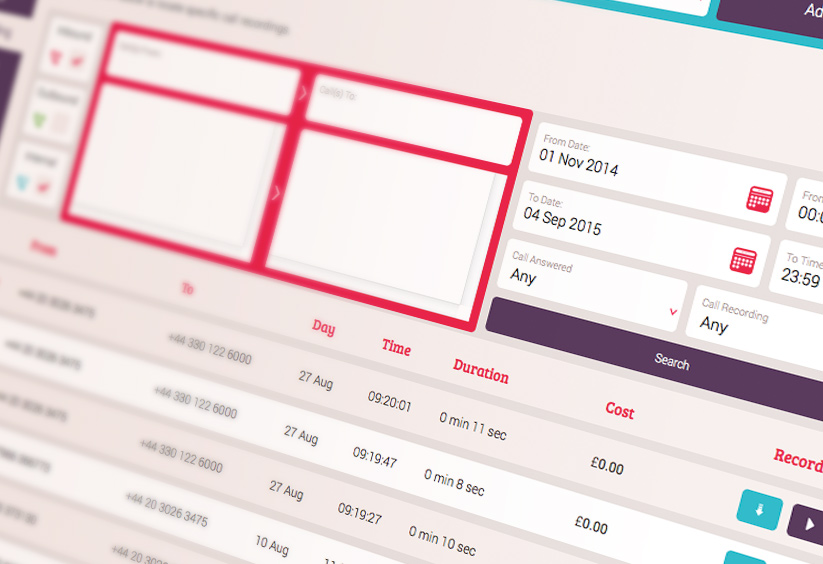
Powerful Call Recording search features have now been added free of charge for all customers at Yay.com.
Posted December 5 2016 | 1 min
Article By

Adrian
Digital Marketing at Yay.com
Share