Routing
How do I forward an extension to a destination?
You will need to go to Config > Short Codes and ensure there is a short code in place to “Set an Unconditional Call Forward for your User”:
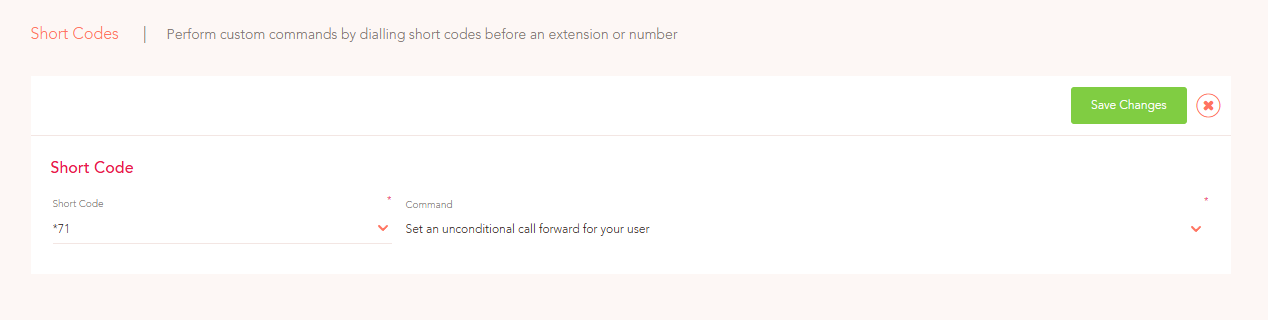
Then, to set up the call forward, the extension will need to dial the short code (*71 for example) followed by the destination (so either the extension they wish to forward to, or an external mobile number).
In the example below, we are forwarding calls to the extension '1002', hence '*711002':

Then, when the user is ready to clear the forward, they will just need to dial the extension on its own (*71).