What are the Password Requirements for my Yealink?
You may find that when setting a password for your Yealink device, you aren’t meeting the password requirements.
You will see the following page appear (this is typically only for newer models):
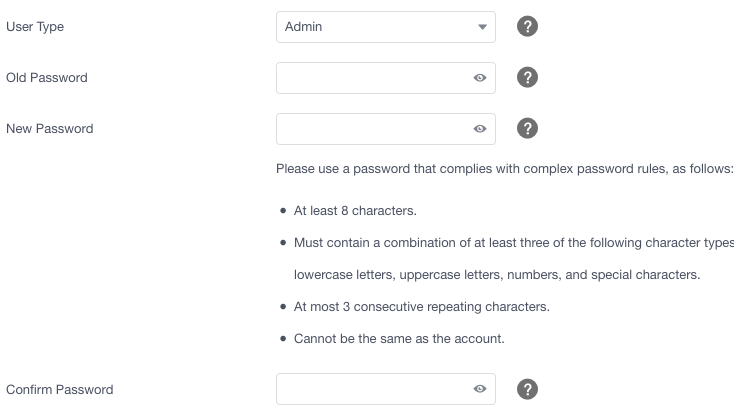
The password requirements are as follows:
Must contain at least 8 characters or more
Must contain a combination of at least three of the following character types: Lowercase letters, Uppercase letters, Numbers, and Special characters
A maximum of 3 consecutive repeating characters
If you've not got this set up in the Hardware page on the Yay.com dashboard, phones auto-provisioned against the system may still require a password to be manually added by the User upon boot-up.
If you have any questions, please don’t hesitate to contact our lovely Support team on 0330 122 6000, or by emailing help@yay.com.